
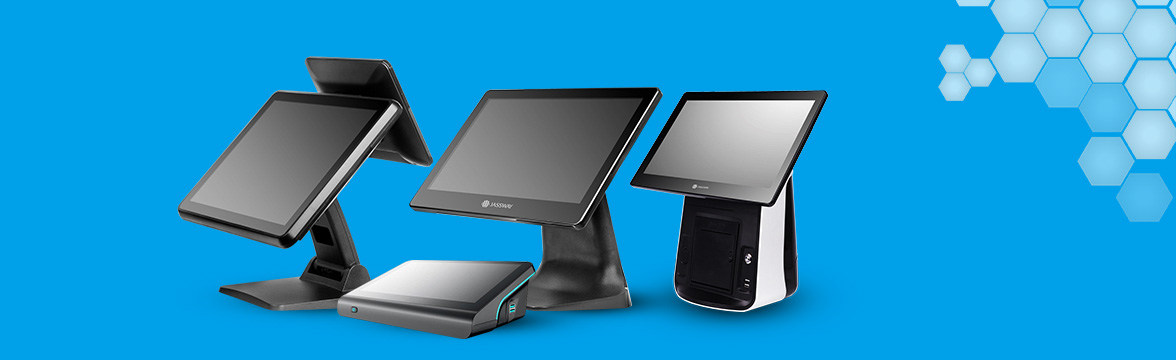
POS system installation in Pattaya, Chonburi and Rayong
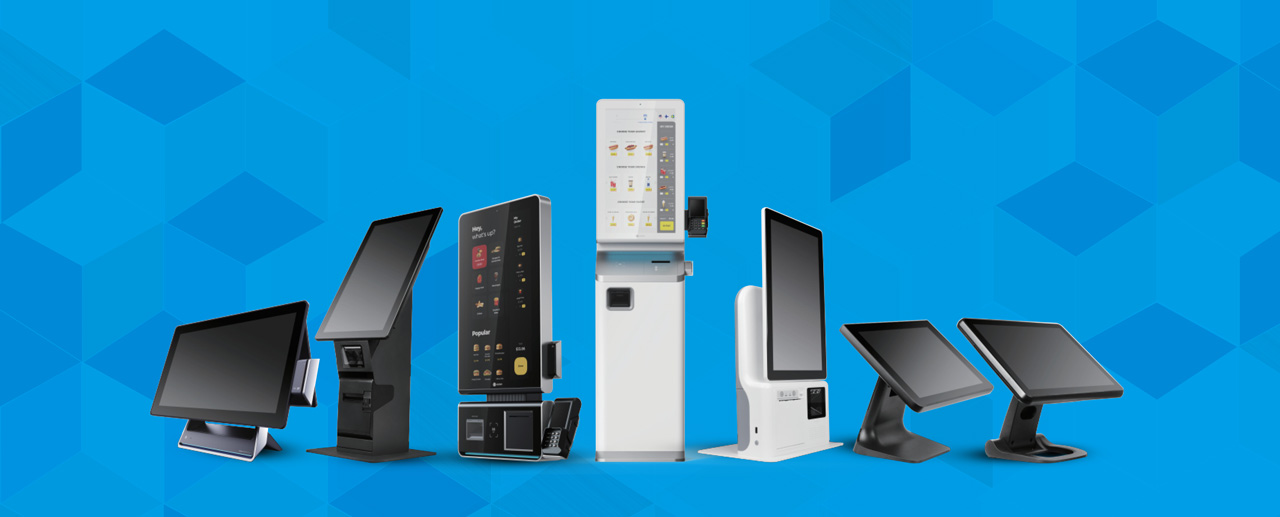
Advantages of a POS system
-
More efficient sales
A POS system makes selling fast and easy, with no manual data entry, which reduces errors and increases customer satisfaction. -
Efficient stock management
A POS system can connect to stock management, so the owner knows straight away which products are running low or sold out. You can also set alerts when products reach their reorder point. -
Data analysis and business reports
A POS system collects sales data and analyses it to show buying trends, best-selling products and peak sales times. This helps owners plan marketing strategy more accurately. -
Multi-branch management
Businesses with several branches can use a connected POS system, so the owner can check sales, stock and other data centrally without travelling to each branch. -
Many payment methods
Modern POS systems accept many payment channels, including cash, credit cards, debit cards and smartphone app payments, making it easier and more convenient for customers to pay.
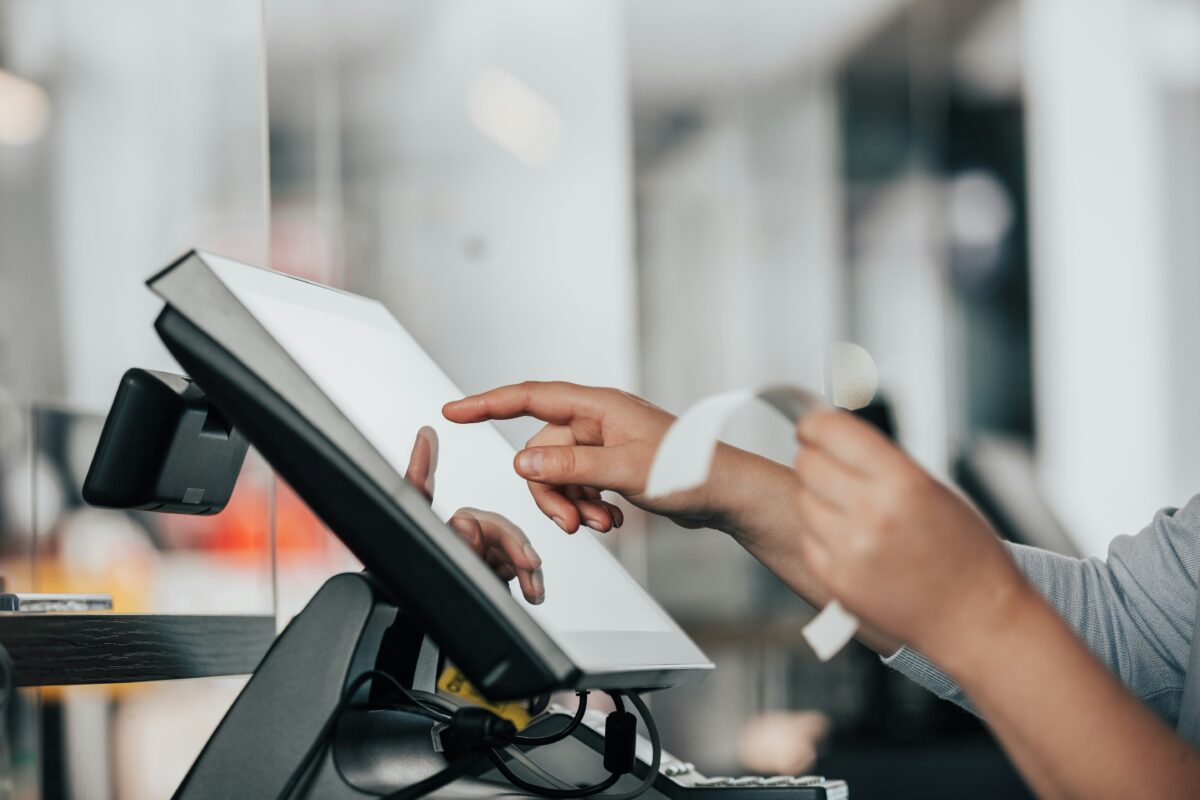
Which businesses suit a POS system?
-
Restaurants and bars in Pattaya: manage orders, send food orders to the kitchen, reduce mistakes and prevent staff fraud.
-
Retail shops and minimarts: check stock, prevent losses and get accurate daily sales summaries.
-
Cafes and coffee shops: support menu customisation, toppings and a membership system to attract regular customers.
A POS system is a worthwhile and very useful investment for every type of business, whether it is for more efficient sales, stock management or data analysis that helps the business grow sustainably. If you are looking for a tool that makes running your business easier and more efficient, a POS system is an option you should not overlook.
Choosing the right POS system for your business is key to success and agility in the digital age.
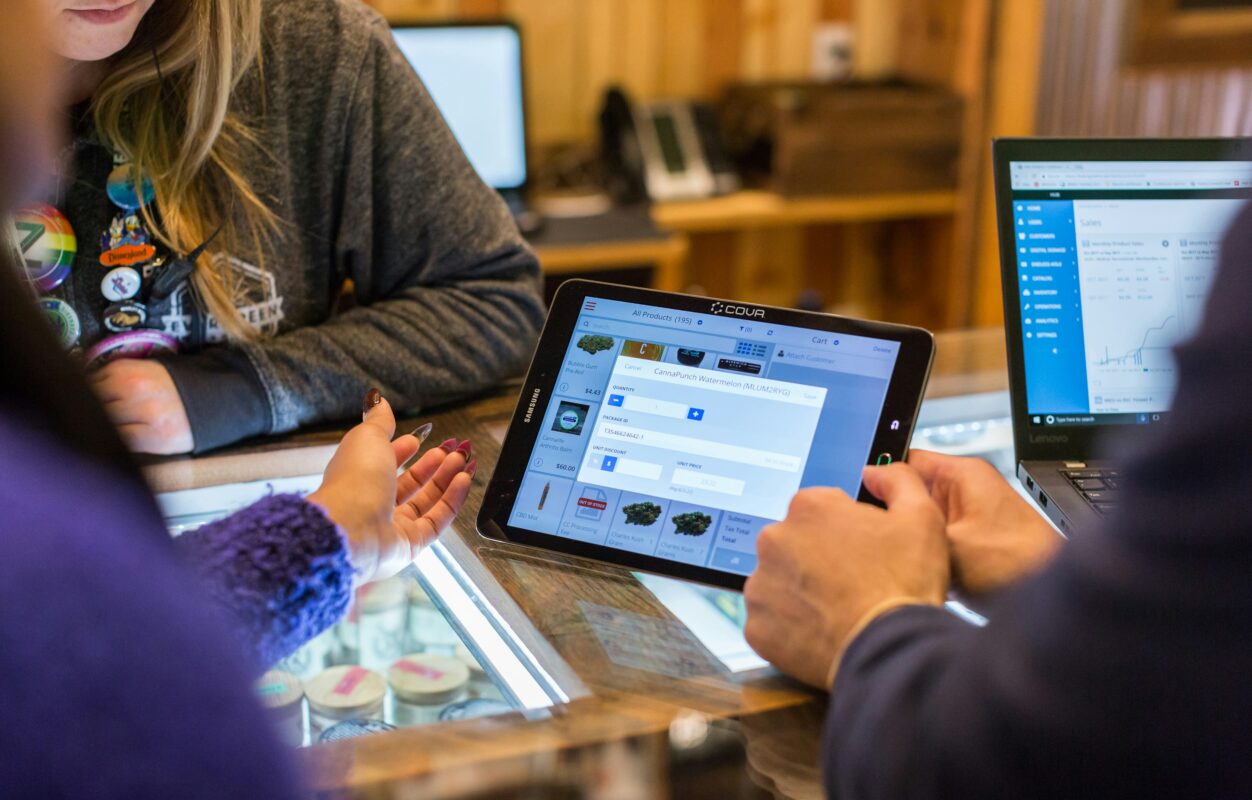
Benefits of installing a POS system in your business
Installing a POS (point of sale) system helps a business operate more efficiently in management, sales and business data. The clear benefits are:
1. Faster sales
A POS system speeds up the sales process and cuts the time spent calculating totals and issuing receipts, so customers are served faster and more efficiently.
2. Fewer data entry errors
A POS system reduces errors from manual recording, such as calculating sales or managing stock, through accurate automatic processing.
3. Efficient stock management
A POS system tracks stock levels in real time, so owners can check and manage stock efficiently without worrying about running out or holding stock too long.
4. Business data analysis
A POS system records every sale, which can be analysed and turned into reports, so owners can see sales trends, revenue and best-selling products over time and make smarter planning and business decisions.
5. Many payment channels
Today’s POS systems accept many forms of payment, such as cash, credit cards, debit cards and app payments, making it more convenient for customers and reducing missed sales.
6. Connecting multiple branches
Businesses with several branches can track each branch’s sales and stock through a connected POS system, so management runs smoothly and owners can follow the data centrally in real time.
7. Better customer service
A POS system lets a business serve customers faster and more accurately, which leaves a good impression and increases satisfaction.
8. Easier promotions and discounts
Businesses can easily set up promotions and discounts in the POS system, so staff can apply them quickly and correctly without manual calculation.
9. Less loss from fraud
A POS system records sales and transactions in detail, which helps reduce staff fraud or cheating.
10. Real-time reporting
A POS system lets owners see sales summaries and other reports in real time on any internet-connected device, so they can make decisions immediately from accurate data.
Installing a POS system not only makes running the business easier, it is also an important tool for managing data and improving every aspect of the business, from sales and stock management to data analysis.
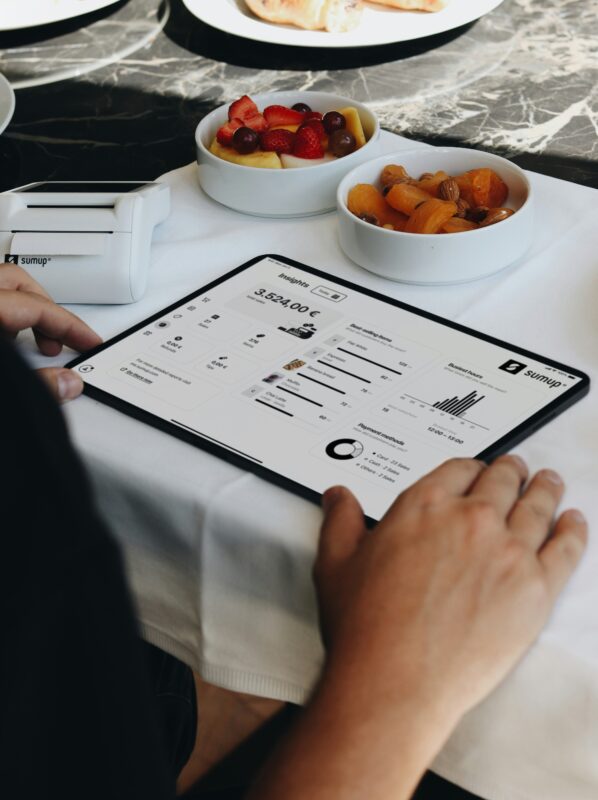
Choosing and installing a POS (point of sale) system needs careful thought so it fits your business needs and works as efficiently as possible. The process can be divided into these key steps:
1. Analyse your business needs
Before choosing a POS system, analyse your business needs in detail, such as:
- The size of your business
- Types of products and services
- Number of branches
- Stock and financial management needs
- Support for different payment methods, such as cash, credit cards or mobile payments
Understanding these needs will help you choose a POS system that fits your business.
2. Find a POS system provider
Once you know your needs, the next step is to find a suitable POS provider. Consider:
- Features and functions
- Flexibility (can functions be added or improved in future?)
- Support for multiple branches
- Ease of installation and maintenance
- After-sales service, such as technical support, user training and software updates
3. Compare prices and features
There are many types and prices of POS system, from all-hardware POS to cloud POS that runs on a tablet or smartphone. Compare prices, features, functions and maintenance costs to get the best value.
Consider what costs the system involves, such as:
- Initial installation cost
- Monthly or annual fees
- Support or after-sales service fees
- Additional hardware, such as card readers or receipt printers
4. Try a POS system demo
Before deciding, ask the provider for a trial and use the system for real transactions to see whether it is easy, convenient and suited to how your business works. If possible, try it with the staff who will actually use it, so everyone understands it well.
5. Prepare the hardware and network
A POS system needs suitable hardware, such as a computer, tablet, barcode scanner, receipt printer and credit card reader. Check that all the hardware can connect to the POS system you choose.
Also check that your internet connection is stable, especially for a cloud POS, which needs a continuous internet connection to work at full efficiency.
6. Install the POS system
Once you have chosen the provider and system, installation should start by setting up the POS software for your business, defining:
- Product prices
- Tax settings
- Discounts or promotions
- Payment methods
The provider’s technical team should be on hand during installation to check that everything works smoothly.
7. Train your staff
Staff training is essential for using the POS system effectively. Train staff to understand how the POS handles transactions, including basic troubleshooting such as resetting the system or handling refunds.
8. Test the system before going live
After installation, test every POS function to make sure it works as required, with no errors or bugs in sales, receipts or stock management.
9. Maintenance and updates
Once in use, the POS system needs ongoing maintenance and updates to keep up with changes in the business or regulations, including security updates to protect customer and business data.
Choosing and installing a POS system takes planning and a detailed analysis of your business needs. The right system, properly installed, helps your business run smoothly and manage more efficiently.
“Don’t let running your shop become a headache.” Let Systems Connect set up the right POS system for your business, so you have time to focus on running the shop and looking after your customers.
Interested in a POS system in Pattaya, Chonburi or Rayong? Contact us now:
-
📞 Call: 096-246-2324 (Khun Mai), 033-265-438
-
📱 LINE: @Nicesystem (including the @)
-
📍 Service area: Pattaya, Bang Lamung, Sattahip, Si Racha, Chonburi city, Amata, Pluak Daeng, Rayong and nearby areas
Set up a POS system for your business
Talk to the Systems Connect team in Pattaya, Chonburi and Rayong. Call 033-265-438 or 096-246-2324, or message us on LINE @Nicesystem.
Contact Us Call 033-265-438 Call 096-246-2324