
IoT
What Is the MQTT Protocol? A Simple Guide for IoT and Business
Jul
If you are looking into IoT, smart buildings, sensor networks, energy monitoring or real-time alerting, you will quickly run into MQTT. The MQTT protocol is not just developer jargon. It is what lets large numbers of devices exchange data quickly, with very little bandwidth, even on hardware with limited resources.
This guide explains step by step what MQTT is, how it works, and what terms such as broker, client, topic, publish, subscribe, QoS and retained message actually mean. It also covers where MQTT fits in a real business, written for business owners, IT managers, site engineers and anyone planning an IoT system.
What Is MQTT?
MQTT stands for Message Queuing Telemetry Transport. It is a messaging protocol for sending data between devices and a central system. It was designed to be lightweight, use very little data and keep working on imperfect networks. MQTT shines when many devices send short messages at intervals: temperature, humidity, on/off status, power consumption, sensor alarms or machine status.
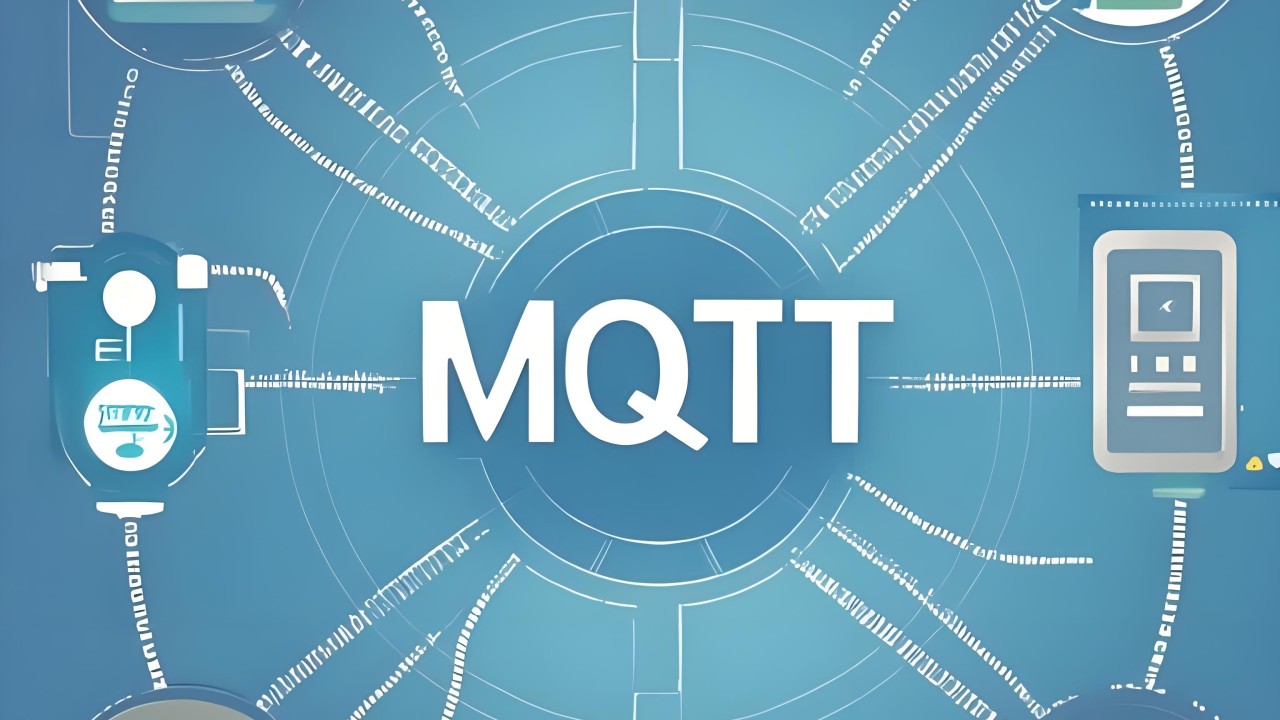
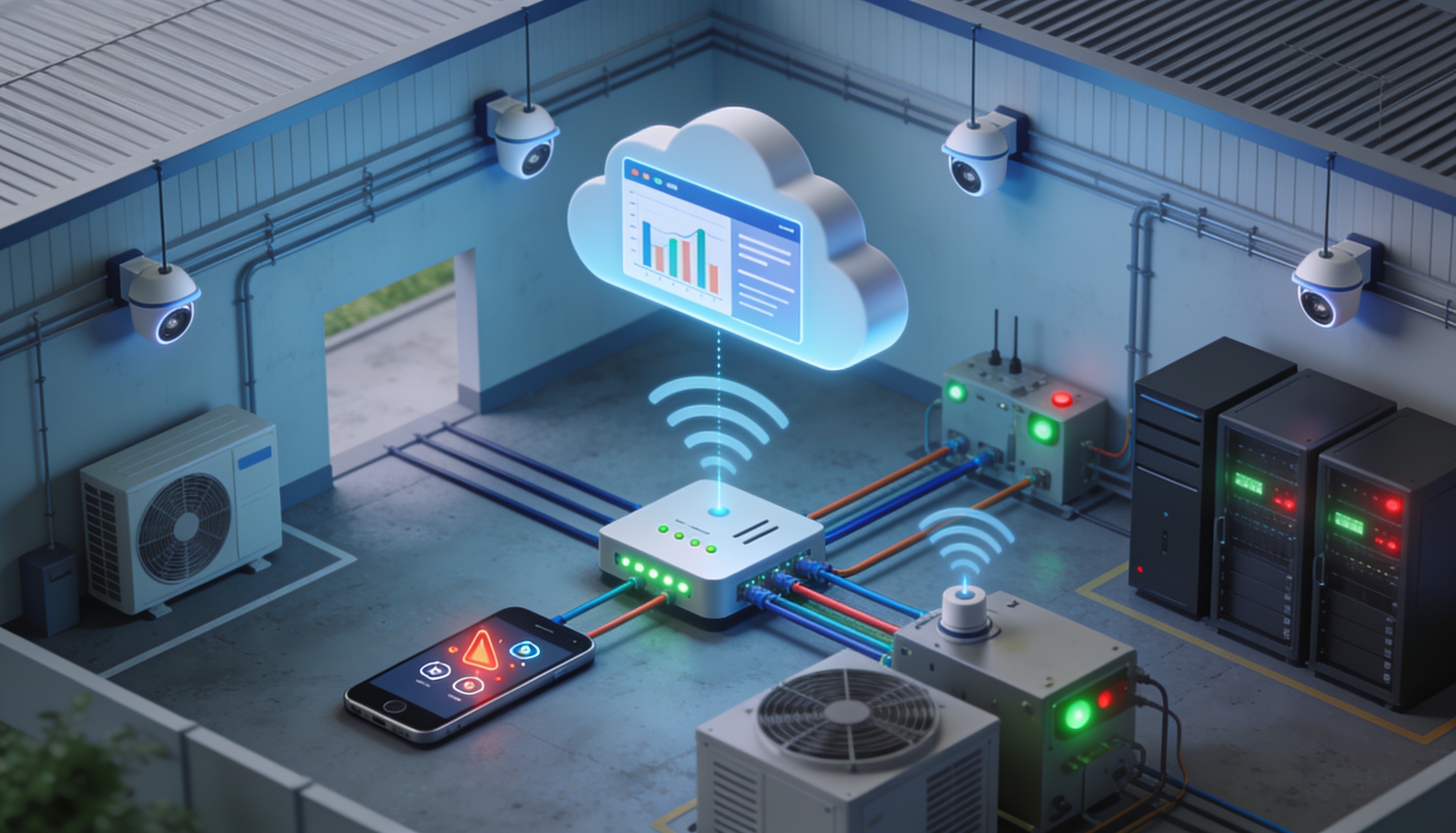
Put simply, MQTT is a central message exchange. Devices do not talk to each other directly. Instead, they send data through a hub called a broker. One device sends data to the broker, and any other device or system interested in that data subscribes to it through the broker. This makes connections flexible and the system far easier to scale than point-to-point links between every device.
Why MQTT Is So Popular for IoT
IoT is different from ordinary web systems. End devices may be small, low-power sensors in remote locations with unstable connectivity, or many points sending data at the same time. A heavy protocol would add delay, waste bandwidth and be hard to maintain. MQTT fits because its messages have very low overhead, its structure is simple and it handles real-time communication well.
For example, a factory might have 200 sensors sending temperature and energy readings every 10 seconds. A hotel might have equipment in several buildings reporting air-conditioning and water-pump status. A warehouse might need continuous humidity and temperature readings. MQTT gathers all of this into a dashboard without complex custom integrations between every device.
The Core Idea: Publish and Subscribe
MQTT is built on the publish/subscribe (pub/sub) pattern. The sender does not need to know who the receivers are. It simply publishes a message to a topic. Anyone who needs that data subscribes to the same topic, and the broker forwards each new message to all subscribers automatically.
For example, a temperature sensor in a server room publishes to building/server-room/temperature. A dashboard, a mobile alert system and a logging system can all subscribe to that topic at once, and the sensor never needs to know about any of them. If you later add reporting or AI analytics, you just subscribe to the same topic. No sensor firmware changes are needed.
The Key Components of an MQTT System
An MQTT system has four main parts: the broker, clients, topics and messages. Each has a clear job, and together they move data from the field to the systems that use it.
1. MQTT Broker
The broker is the heart of the system. It receives messages from publishing clients, checks the topic and forwards each message to the clients subscribed to it. Think of it as the post office of your IoT system. A well-designed, well-maintained broker gives you stable data flow, supports many devices and controls access securely.
2. MQTT Client
A client is any device or software that connects to the broker: sensors, gateways, PLC interfaces, dashboards, mobile apps, server applications or alert systems. A client can be a publisher and a subscriber at the same time. A factory gateway, for instance, might publish energy readings and subscribe to control commands coming back from the central system.
3. Topic
A topic is the name of a message channel used to organise data, for example factory/line1/power, hotel/building-a/pump/status or warehouse/cold-room/temperature. Good topic naming matters for long-term maintenance. When you grow to hundreds or thousands of devices, a tidy topic structure makes searching, filtering and permission control much easier.
4. Message (Payload)
The message is the actual data. It can be short text, a number, JSON or binary data, depending on your design. A JSON payload might look like {"temperature":27.5,"humidity":61,"status":"normal"}. It is easy to read and easy to feed into a dashboard. If you need to save even more data, you can use a more compact format.
How MQTT Works, Step by Step
When a device starts, the client first connects to the broker using a host, port and credentials such as a username/password or a certificate. Receiving clients then subscribe to the topics they need, and field devices publish messages to their assigned topics. When the broker receives a message, it checks who is subscribed to that topic and immediately forwards the message to them.
Here is a warehouse example. A cold-room sensor publishes the temperature every 30 seconds to warehouse/coldroom-1/temp. A dashboard subscribes to show the value on screen. At the same time, an alert system subscribes to the same topic with a rule: if the temperature goes above 8°C, notify the maintenance team immediately. One stream of data serves several purposes without being sent more than once.
What Is QoS in MQTT?
QoS (Quality of Service) is the delivery guarantee level for a message. MQTT has three levels: QoS 0, QoS 1 and QoS 2. Choosing the right level matters because it affects reliability, data volume and system load.
- QoS 0 is the fastest, but delivery is not guaranteed. Use it for frequent data where an occasional miss is acceptable, such as temperature readings updated every few seconds.
- QoS 1 guarantees delivery at least once, but duplicates are possible. Use it for alerts or data that must not be lost, as long as the receiving system can handle duplicates.
- QoS 2 guarantees delivery exactly once. It is the most precise but involves more steps. Use it for critical messages, such as control commands that must not be repeated.
In practice, do not set every message to the highest QoS. That only adds load to the broker and the network. Decide how important each kind of data is. Routine sensor values might use QoS 0 or 1, while important control commands might use QoS 1 or 2 depending on the risk on site.
Retained Messages and Last Will
A retained message is the latest message on a topic, stored by the broker. When a new client subscribes, the broker sends it that latest value straight away instead of waiting for the next update. This is ideal for device status (on/off, online/offline) or any value a dashboard should show the moment it opens.
Last Will and Testament (LWT) is a message the broker publishes on a client’s behalf if that client disconnects unexpectedly. For example, a factory gateway can set a will message that publishes offline to factory/gateway-1/status. The dashboard then knows quickly that the device has dropped off the network, rather than simply seeing no new data.
Which Port Does MQTT Use?
Unencrypted MQTT usually runs on port 1883, and MQTT over TLS usually runs on port 8883. For business systems, prioritise TLS and proper authentication, especially when connecting over the internet or to the cloud. Field data may relate to production, safety, energy or building systems. An unprotected broker could let someone read your data or send fake commands.
MQTT vs HTTP
HTTP is the familiar protocol of websites and APIs. It usually works as request/response: the client sends a request and waits for the server to answer. That suits web pages, occasional data requests and systems that do not send data very often. For IoT, where many devices send short messages continuously, MQTT is usually more efficient because the connection stays open and each message carries less overhead.
MQTT does not replace HTTP in every case, though. Many systems use both. Devices send sensor data over MQTT to a central system, then a dashboard or website uses HTTP/REST APIs to show it to users. Or a back-end service stores broker data in a database and exposes an API for other applications. Choose based on context, not because one protocol sounds more modern.
Business Use Cases for MQTT
MQTT suits any job that streams status or readings from many devices, especially when messages are small but speed and stability matter: factory IoT, smart buildings, hotels, warehouses and energy systems.
Factories and Industrial Estates
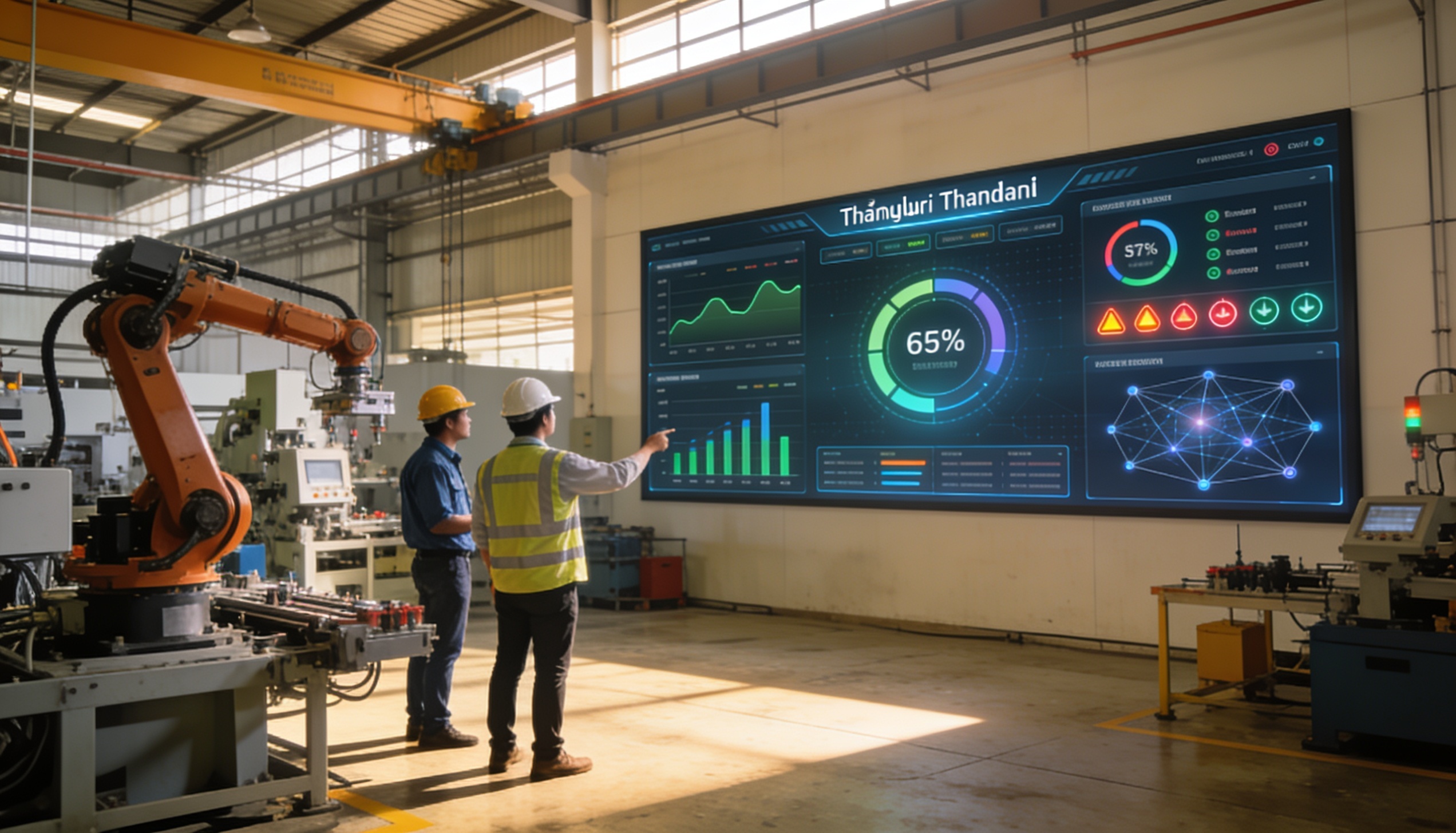
Factories can use MQTT to bring data from energy meters, vibration sensors, temperature sensors, PLC gateways and other controllers into a central dashboard. Machine status, electrical load and alerts are visible in real time, so the maintenance team can be warned about abnormal readings before downtime happens.
Hotels, Buildings and Real-Estate Projects
Hotels can connect air conditioning, water pumps, water tanks, plant rooms, lighting and common-area equipment over MQTT. Data from each building flows into one dashboard so the engineering team can spot problems sooner, such as a stopped pump, a hot plant room or an abnormal electrical load.
Warehouses and Cold Rooms
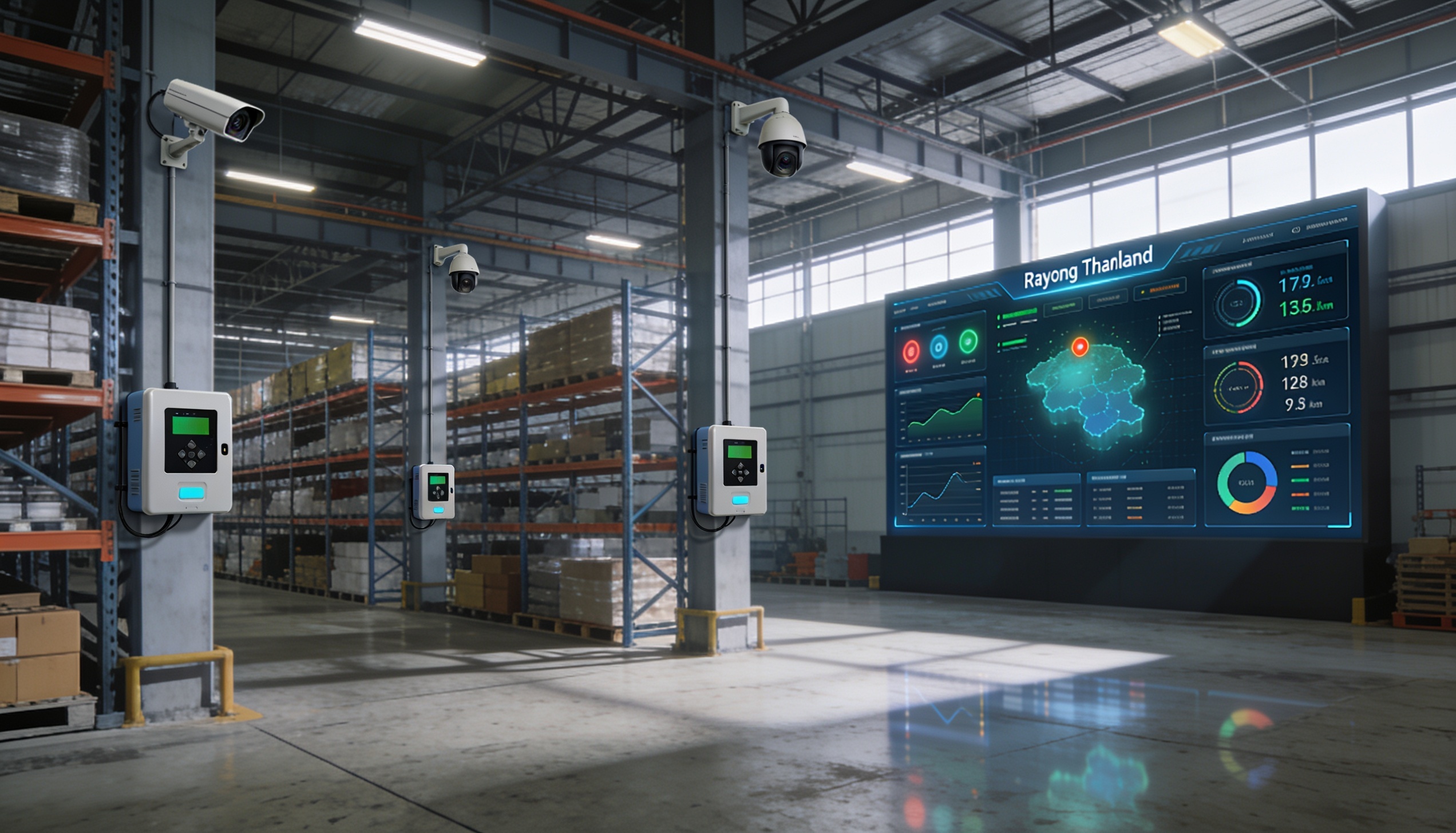
Warehouses use MQTT to collect readings from temperature, humidity and door sensors and from backup power systems. If a value goes out of range, the system alerts staff immediately and keeps a log for quality audits. Many measurement points can report at once without building separate, complicated APIs.
MQTT Security You Should Not Overlook
MQTT is lightweight and easy to use, but a poorly configured broker can become a serious weak point. The basics are:
- Enable TLS on untrusted networks.
- Give each device its own username/password or certificate.
- Restrict who can publish and subscribe with ACLs.
- Do not expose the broker to the public internet unless you have to.
Design the network properly too: put IoT devices on their own VLAN, open only the ports you need, apply firewall rules, keep connection logs and monitor the broker. If a device sends unusual data or tries to subscribe to a topic it should not, your admins should notice quickly. MQTT security is about network design and ongoing operation, not just passwords.
Advantages of MQTT
- Lightweight, so it suits resource-limited devices and low-bandwidth networks.
- Handles real-time, high-frequency messaging well.
- Easy to scale, because publishers and subscribers do not need to know each other.
- Supports many devices through one broker or several brokers, depending on the architecture.
- A natural fit for dashboards, alerts, data logging and automation.
- QoS, retained messages and LWT add flexibility and reliability.
Limitations to Keep in Mind
MQTT depends on the broker as its central hub. If the broker goes down or lacks capacity, the impact is wide. Plan for high availability, backups, monitoring and resource sizing to match your number of clients and message volume. Topic naming is another trap: without a standard from day one, a growing system becomes very hard to manage.
MQTT also does not define a fixed payload format, so your team must agree on a data standard. Decide the timestamp format, the units, how errors are reported and how payload versions are handled. Without one, data from different device models may not line up, and dashboards or analytics can go wrong.
How to Design MQTT Topics That Are Easy to Manage
A good topic tells you the location, the data type and the device, for example site/building/floor/device/metric or factory/line1/motor01/vibration. Avoid vague names like data or sensor1. As the system grows, you will not know where that data came from. Agree on one naming convention for the whole organisation.
For a multi-site business, topics might look like pattaya/hotel-a/pump-01/status, chonburi/factory-1/line-2/power and rayong/warehouse/coldroom-3/temperature. A structure like this lets admins filter by site, device type or metric. It also makes it easy to control which parts of the tree each client may publish or subscribe to.
Cloud or On-Premise MQTT Broker?
It depends on the job. If you need to view data from several branches remotely and scale easily, a cloud broker may fit better. If you run a factory that must keep data in-house, has strict security requirements or cannot depend on the internet at all times, an on-premise broker on site may be the better choice. Some organisations go hybrid: a local broker collects data on site, and selected data is pushed to the cloud for management reports.
Weigh up latency, internet reliability, how critical the data is, maintenance budget, IT security policy and future expansion. If the system controls real equipment, design it so that critical commands still work when the external connection fails.
MQTT in IoT Projects by Systems Connect
In real business IoT projects, MQTT is often a key choice for connecting sensors, gateways and dashboards. But success does not depend on the protocol alone. It has to be designed together with your network system, fiber optic backbone, WiFi, server system and overall network security.
For hotels, factories, warehouses, offices, restaurants and multi-branch businesses in Pattaya, Chonburi and Rayong, MQTT makes monitoring far more flexible. You can collect energy readings, check temperatures, flag machine faults, watch water pumps or combine several sites into one dashboard. Before you start, survey the site, define the data you actually need, and plan topics, security and maintenance properly.
FAQ: Common Questions About MQTT
Does MQTT need a constant internet connection?
Not always. If the broker is on your local network, devices can communicate over the LAN without going to the internet. If you need to view data remotely or across branches, you may connect through the cloud or a VPN, depending on the design.
What devices can use MQTT?
Sensors, gateways, microcontrollers, server applications, dashboards, mobile apps and control systems that support MQTT. Devices that do not can often be connected through a gateway.
Is MQTT secure?
MQTT can be secure when it is configured correctly: TLS, authentication, ACLs, firewalls, network segmentation, and no public broker unless it is truly needed.
Is MQTT suitable for large data?
MQTT is best for small to medium messages sent often, such as sensor data and status messages. For large files, video or many images, use another method or a separate design.
Where should a business start with MQTT?
Start with a use case you can measure clearly, such as cold-room temperature monitoring, per-point energy metering, water-pump alerts or machine status. Then expand topics and dashboards once the team is using the system.
Summary: What Is the MQTT Protocol and Who Is It For?
The MQTT protocol is a lightweight messaging protocol that moves data between devices and a central system using publish/subscribe through a broker. It is ideal for IoT projects with many devices, continuous data and a need for real-time dashboards or alerts. Its strengths are low bandwidth use, easy scaling and reliability features such as QoS, retained messages and Last Will.
Using MQTT well takes more than installing a broker. You need to think about topic structure, security, access rights, data storage, dashboards, alert workflows and network readiness. Done properly, MQTT becomes the foundation of an IoT system that shows you data sooner, reduces downtime and opens the door to automation.
Planning an IoT or monitoring project in Pattaya, Chonburi or Rayong? Call 033-265-438, 096-246-2324, LINE @Nicesystem (include the @), or contact us online. Service area: Pattaya, Bang Lamung, Sattahip, Si Racha, Chonburi city, Amata City, Pluak Daeng, Rayong and nearby areas.
Related Services
To put these ideas to work in your business, see our IoT devices and network systems, and let us help you plan a system for Pattaya, Chonburi, Rayong and the Eastern Seaboard.
Pingback: What Is IoT? How Factories in Eastern Thailand Use It